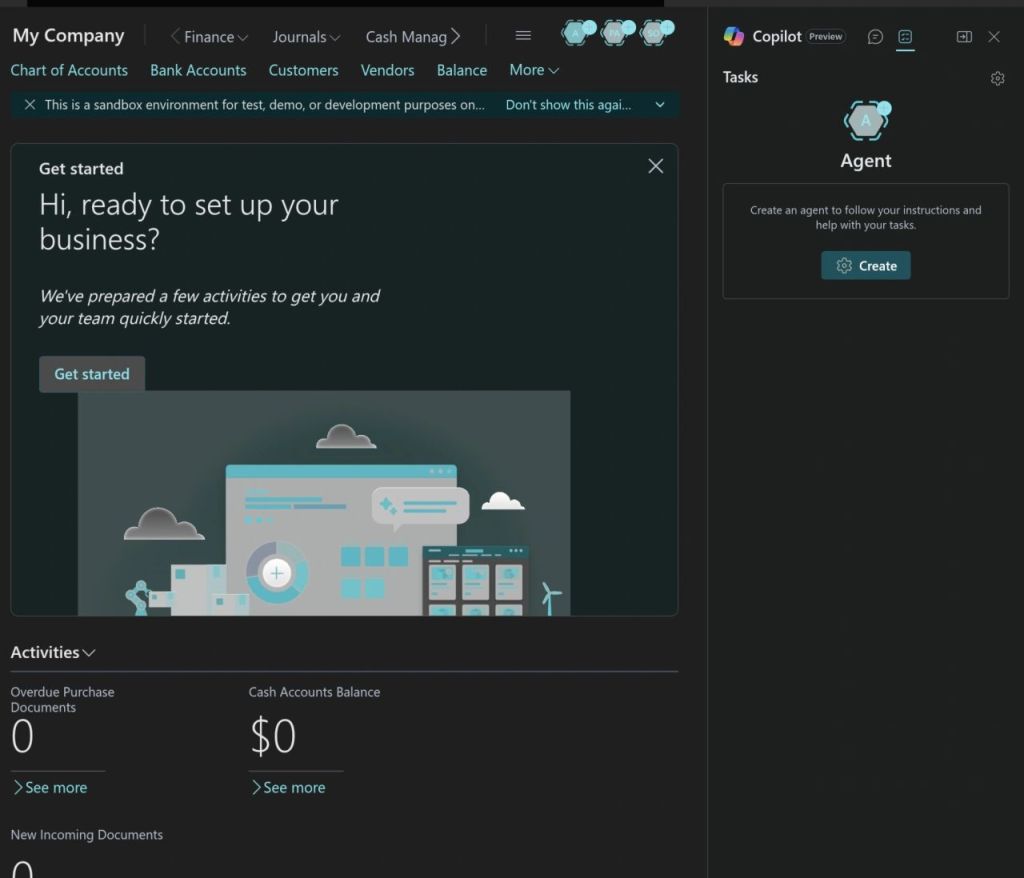
🚀 Copilot and AL Development: Transforming the Future of Business Central Engineering

The world of Business Central development is evolving rapidly—and one of the most powerful accelerators in recent years is Copilot. With AI deeply integrated into the Microsoft ecosystem, developers building extensions with AL now have an intelligent partner that speeds up development, enhances accuracy, and improves productivity.

🧠 What Is Copilot in Business Central?

Copilot is Microsoft’s AI-powered assistant designed to help developers, consultants, and end-users across Dynamics 365. For Business Central development, Copilot works in multiple ways:

  • Suggesting AL code in VS Code
  • Generating complete extension structures (tables, pages, APIs, codeunits)
  • Helping analyze and explain existing AL code
  • Creating documentation and comments automatically
  • Supporting AI-enabled scenarios inside BC

It acts like a smart co-developer—always ready, always fast.

💻 Copilot Inside AL Development (VS Code Integration)

To leverage Copilot for AL development, developers use the GitHub Copilot extension in Visual Studio Code. This integration enables:

✔ Instant AL Code Generation

Developers can write a comment or a simple description, and Copilot generates the AL code structure automatically.

Example:

// Create a sales quote scheduler job that sends reminders 

Copilot produces the full codeunit, job logic, and scheduling pattern.

✔ Faster Page & Table Extensions

Copilot instantly creates field additions, actions, triggers, and layouts without manual typing.

✔ API & Permission Set Generation

Perfect for rapid prototyping.

🤖 Using AI Inside AL Extensions

You can integrate AI into your custom extensions using Copilot-enabled system codeunits or external AI services.

Example: A simple AI-driven item description generator:

codeunit 50100 "Item AI Description"
{
    procedure Generate(ItemRec: Record Item): Text
    var
        Copilot: Codeunit "Copilot System";
    begin
        exit(
            Copilot.GenerateText(
                'Create a professional marketing description for item: ' + ItemRec.Description
            )
        );
    end;
} 

This allows users to generate product descriptions instantly saving hours of manual work.

⚡ How Copilot Improves AL Developer Productivity

🟦 1. Rapid Coding

Copilot reduces 60–70% of repetitive development effort.

🟦 2. Fewer Syntax Errors

Copilot understands AL structures and suggests correct patterns.

🟦 3. Code Understanding

It can analyze and explain legacy AL code—very useful during upgrades from NAV to BC.

🟦 4. Documentation

Automatically generates comments and XML documentation.

🟦 5. Code Quality

Copilot suggests modern patterns like interfaces, single-responsibility design, and event-driven architecture.

🚨 Limitations—What Developers Should Know

Despite its strengths, Copilot is not perfect:

  • It may generate outdated syntax or patterns.
  • It cannot validate AL compiler rules.
  • It sometimes repeats code blocks unnecessarily.
  • Developers must always review and refactor generated output.

Copilot is a booster, not a replacement for AL expertise.

Copilot is not just a trend—it’s a game changer for Business Central developers. It speeds up AL development, supports learning, and enhances overall code quality. By embracing Copilot, organizations can deliver extensions faster, reduce development cost, and empower developers to focus on business logic rather than repetitive tasks.

The future of Business Central development is AI-assisted, and Copilot is leading the way.

Stay Tuned for more…

Unlock the Potential of Microsoft Dynamics 365 at Directions Asia 2024

Are you ready for Directions Asia 2024?

Directions Asia 2024 poised to be a significant conference for those in the SMB market, focusing on the latest advancements in ERP, CRM, and Cloud solutions. Attendees will have the opportunity to learn how to leverage powerful tools such as the Microsoft Power Platform, Microsoft Dynamics 365 Business Central, and Azure to unlock their full technological potential.

Key Aspects to Look Forward to:

  1. State-of-the-Art Keynotes: Industry leaders and experts will present the latest trends and innovations in ERP, CRM, and Cloud technologies. These sessions will provide insights into how SMBs can stay competitive and efficient by adopting these solutions.
  2. In-Depth Sessions: Breakout sessions and workshops will offer deep dives into specific aspects of Microsoft Power Platform, Dynamics 365 Business Central, and Azure. Participants can expect practical demonstrations, case studies, and best practices to help them implement and optimize these technologies.
  3. Networking Opportunities: The event will provide a platform for professionals to connect, share experiences, and collaborate. This is an excellent opportunity to meet peers, industry leaders, and potential partners.
  4. Hands-On Experience: Labs and interactive sessions will allow attendees to get hands-on experience with the latest tools and technologies. This practical approach helps in better understanding and applying the knowledge gained.
  5. Focus on SMBs: The sessions are tailored to address the specific challenges and opportunities faced by small and medium-sized businesses, ensuring that the content is relevant and actionable for this audience.

Key Technologies Highlighted:

  • Microsoft Power Platform: Learn how to use Power Apps, Power BI, and Power Automate to create custom business solutions, automate processes, and gain valuable insights from your data.
  • Microsoft Dynamics 365 Business Central: Discover how this comprehensive business management solution can streamline operations, improve customer interactions, and drive growth.
  • Co Pilot AI: A cutting-edge AI technology that provides intelligent assistance across Microsoft applications. Co Pilot AI helps businesses automate routine tasks, gain insights from data, and improve customer interactions, ultimately enhancing productivity and decision-making.
  • Microsoft Azure: Explore how Azure’s cloud services can enhance your IT infrastructure, provide robust security, and offer scalable solutions to meet your business needs.

Schedule

Directions ASIA 2024, held at the Avani+ Riverside Bangkok Hotel on May 16-17, features a packed schedule of keynotes, sessions, and workshops focused on ERP, CRM, and Cloud solutions. Highlights include sessions on Microsoft Dynamics 365 Business Central, Power Platform, Azure, and AI integration. The event offers ample networking opportunities and practical insights tailored for SMBs looking to enhance their technological capabilities.

For more details on the schedule and specific sessions, you can visit the official Directions ASIA 2024 schedule.

Venue:

Avani+ Riverside Hotel 257 Charoen Nakhon Rd, Samre, Thon Buri, Bangkok 10600, Thailand

This is one of the wonderful venue for Directions Asia 2024. Situated along the Chao Phraya River, it offers stunning views and excellent facilities, making it a perfect location for a conference of this scale.

In my view Directions Asia 2024 is an excellent opportunity for SMBs to gain cutting-edge knowledge and tools to drive their business forward using Microsoft’s powerful technology stack.

Looking forward to seeing you at Directions Asia 2024!

What is planned for Business Central Wave 1 2024 release

As we are gearing up for new release of business central and already the buzz is started for new version. Here listing few upcoming features which I am looking forward in new version.

Copilot and AI innovation

One of the hot topics in market and lot of new features are revolved around this innovation such as

Introduce Power Automate Copilot integration with Business Central

Create sales lines easily with Copilot

Create product information faster with Copilot

Complete bank account reconciliation faster with Copilot

Map e-documents to purchase order lines with Copilot

Learn more about fields with Copilot

Development

This time less features planned for development side but are important

Debug the system application : This will help us to understand the code flow while debugging the application.

Remove friction when working with external app dependencies :- With this feature MS will make it possible to download the symbols from AppSource applications so we no need to depend on publisher of app.

User experiences

Use drag and drop to attach multiple files

Use actions to navigate and highlight or fix platform-generated errors

Share error details to get help from another user

There are more and more rich features planned for this release please keep an eye on

What’s new and planned for Dynamics 365 Business Central

Stay tuned for more….